With COVID-19 forcing everyone into quarantine, businesses, law makers, journalists, teachers, and even families are all trying to transition to using Video and Voice chat apps on their phones and laptops. Today I’ll be showcasing several different Apps and how to set them up on your smartphone or computer. I’ll also be giving my thoughts as to which app would be best for every person. The apps I’ll be discussing are Google Duo, Discord, Zoom, and Apple’s FaceTime .
*As a disclaimer I will not be discussing Apple’s Facetime since it is not available on non-Apple products.
- Google Duo Availability Android and iOS devices
Google Duo is a somewhat new video call app. Released in 2016 as a one to one video call app for Android and ios devices it was marketed as a simple video and voice call app. Its mission was to be an easy to use, widely available app. Since 2016 it has added plenty of useful features like Night mode, Portrait mode, support for up to 12 people at once, low data mode, and even Desktop and laptop functionality. Being available on both android and ios devices has made it very useful for cross device calls. My family has grown to like group calls but struggled to do so since my family is a mix of Android and iOS devices. With Duo I don’t have to think twice about past issues with cross platform calling.
“With Duo I don’t have to think twice…”
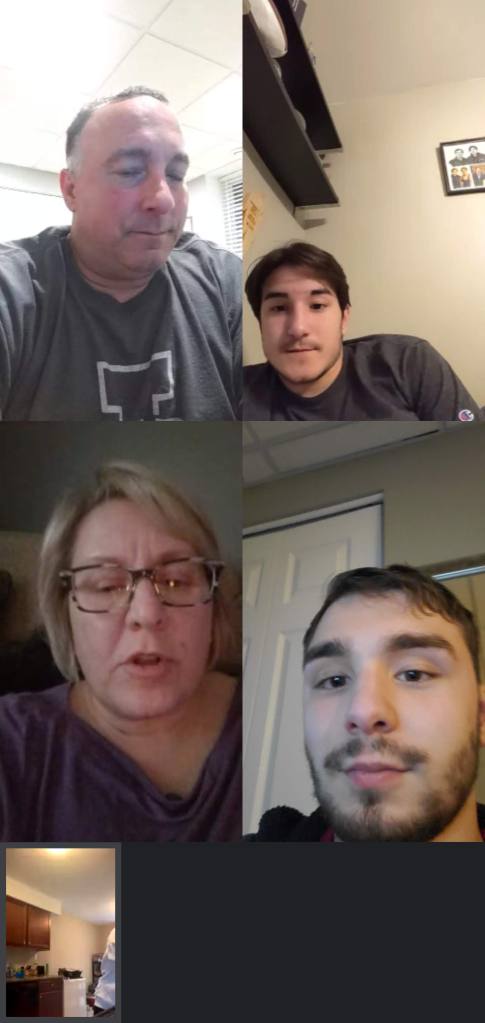
While plenty of apps have cross platform support and many of the other features Duo has, none of them are as widely used or as easy to learn as Duo. Even my grandmother was able to easily learn how to use Duo and has yet to had trouble giving me a call on her own. (Which she is very proud of by the way.) For the average person who just needs to call friends or family Duo is the best option.
2. Discord Available on Android, Windows, Mac, and, iOS devices
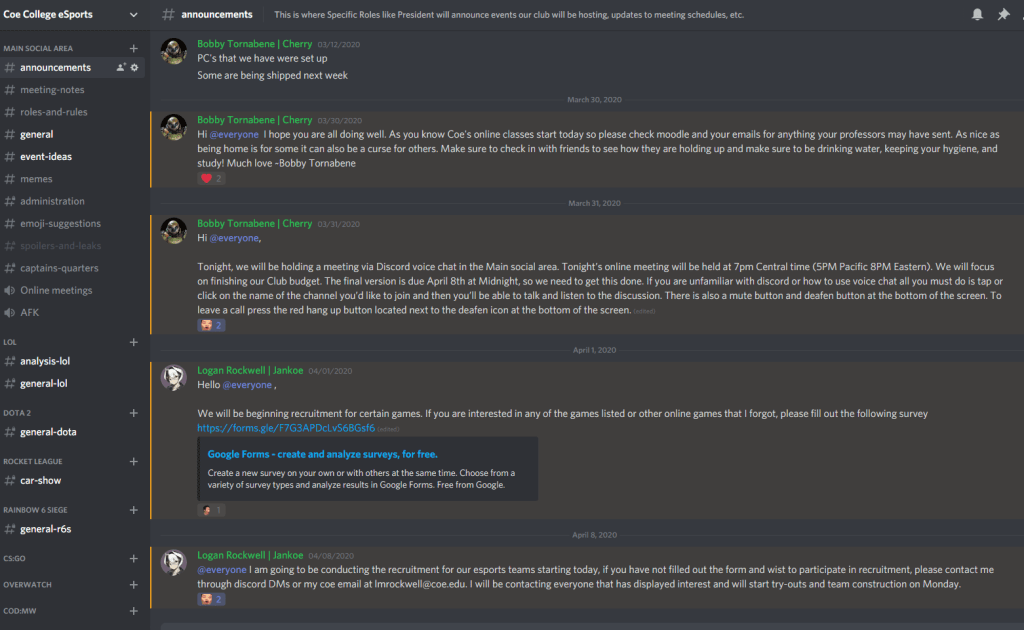
Discord is a communications app that’s advertised for Gaming but that hasn’t stopped schools, businesses and average people from using it.
Discord has multiple formats that are completely customizable to what you need to be using discord for. Creating a server for an organization is easy now that there are templates to choose from which really speeds up the process of getting set up. Discord has even more features than Google Duo having text chat, bot support, desktop apps, server creation and much more. It can be the end all be all solution for users who know how to use it.
Where Discord falls short however is its Ui and ease of use. Discord is very complex and due to that was very hard for me to learn to use at first compared to something like Duo or Facetime where you just pick it up and go. Once I understood the app, I had a much easier time using the app and prefer using it for communication with my friends if I’m doing something on my computer.
3. Zoom available on Android, iOS, Windows, and Mac
Zoom is an enterprise level app while you do need to pay for an enterprise version if you want more features you can download the regular version for free as of right now. It has voice and Video chatting, live chat replies, hand raise system, password protected meetings, and greenscreen background support. In the short time I’ve used Zoom, it should only be used for business or educational related purposes. I think Zoom has some nifty features but the call Ui needs some modernizing but other then that I have nothing but good things to say about Zoom. The call connection was stable with few if any drops. Screen sharing was seamless, volumes were audible, and screen recording is very easy and light.
When would I use each platform?
So, I would rank the apps like this:
For Duo I would recommend it to everyone but its not for anything. Duo is for short calls with Maybe only 5 or so people. The app can do the basics the best but if you need a desktop app Zoom or Discord is a much better option. Zoom is best used for education or business-related cases. Zoom just is too feature packed for someone to pick it up and use like Duo. Discord is the app to use as a social app on your desktop or phone. If you convince your friends to use it for large calls or video conferences Discord really shines.
Download Discord https://discordapp.com/download
Download Zoom https://zoom.us/support/download
Download Google Duo
Android link https://play.google.com/store/apps/details?id=com.google.android.apps.tachyon&hl=en
Apple link https://apps.apple.com/us/app/google-duo/id1096918571
 Bobby's Blog